Connect Clean Studio to Claude and describe the app you need in the conversation. Studio writes its plan, you check and approve it in a window inside the chat, and Studio builds the app and puts a test version online. It is the same Studio, with your same account, apps and plan.
You need a Claude account and a Clean Studio account. Creating a Studio account is free.
Claude asks you questions first when your description leaves something open, such as who can use the app.
Every answer about an app comes with a window: where the app is in its five steps, its plan, and the button for the next step. While Studio writes the plan or builds, the window updates by itself.
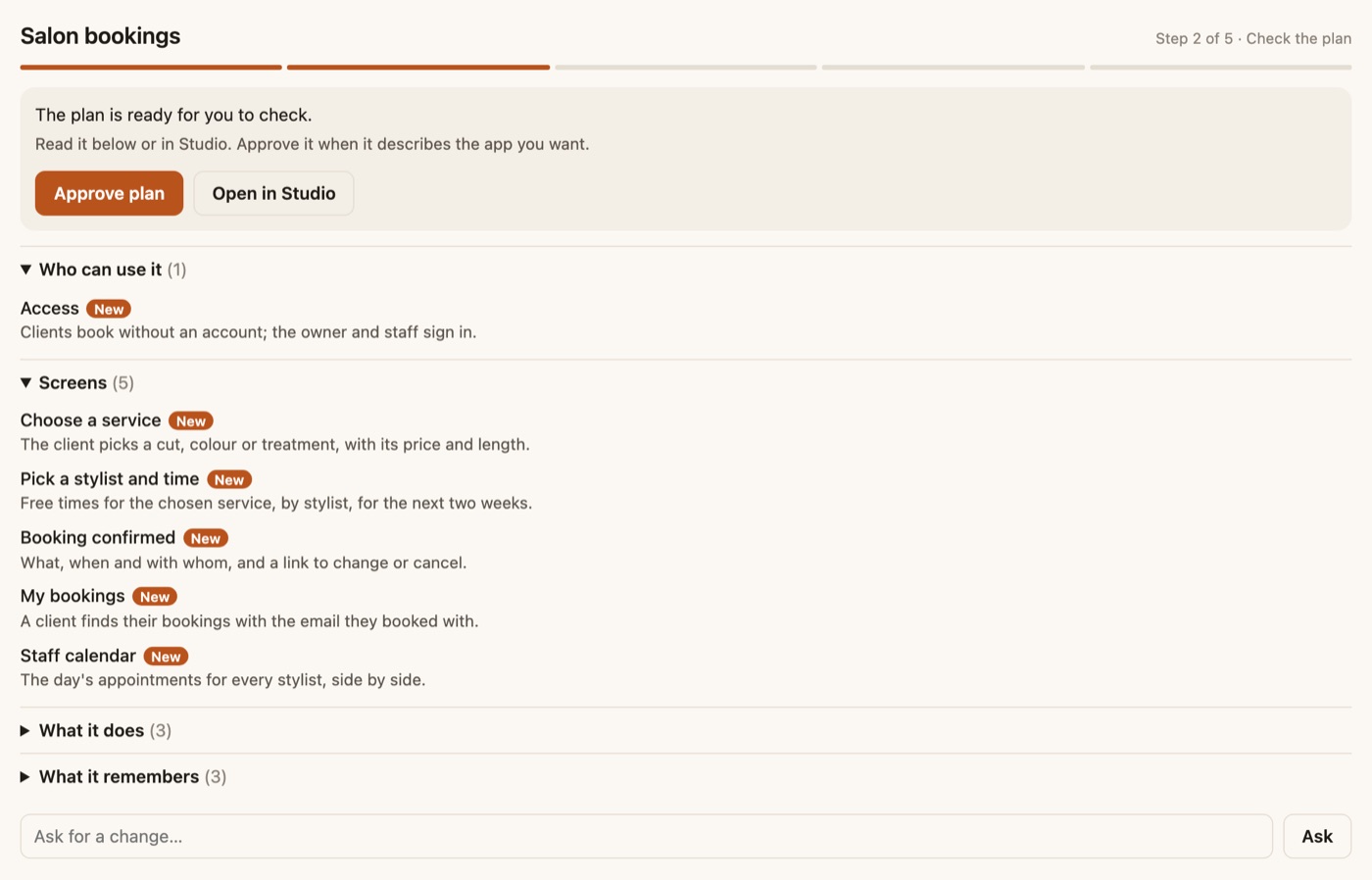
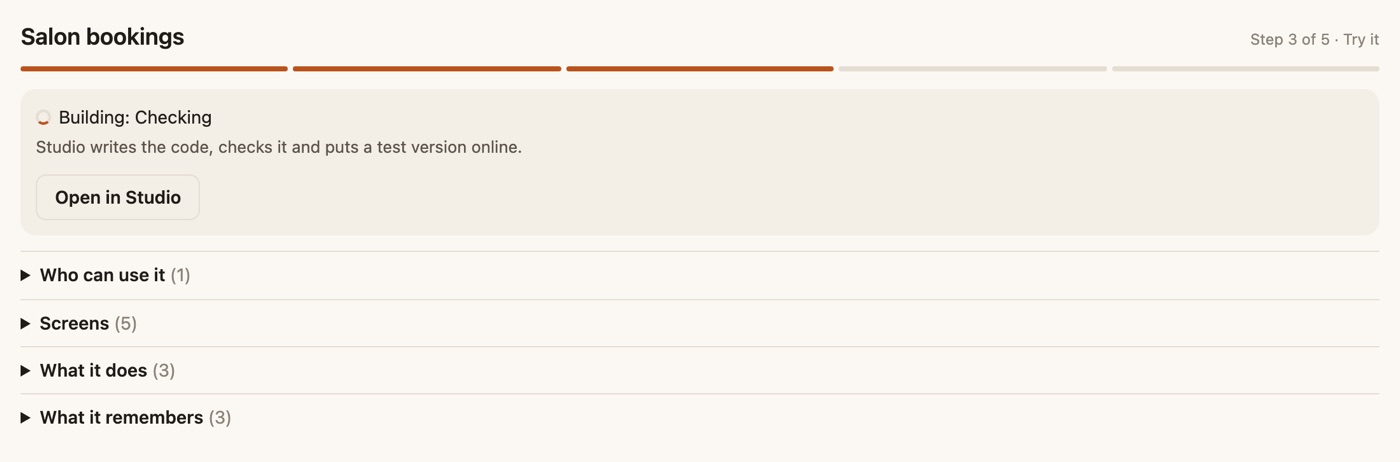
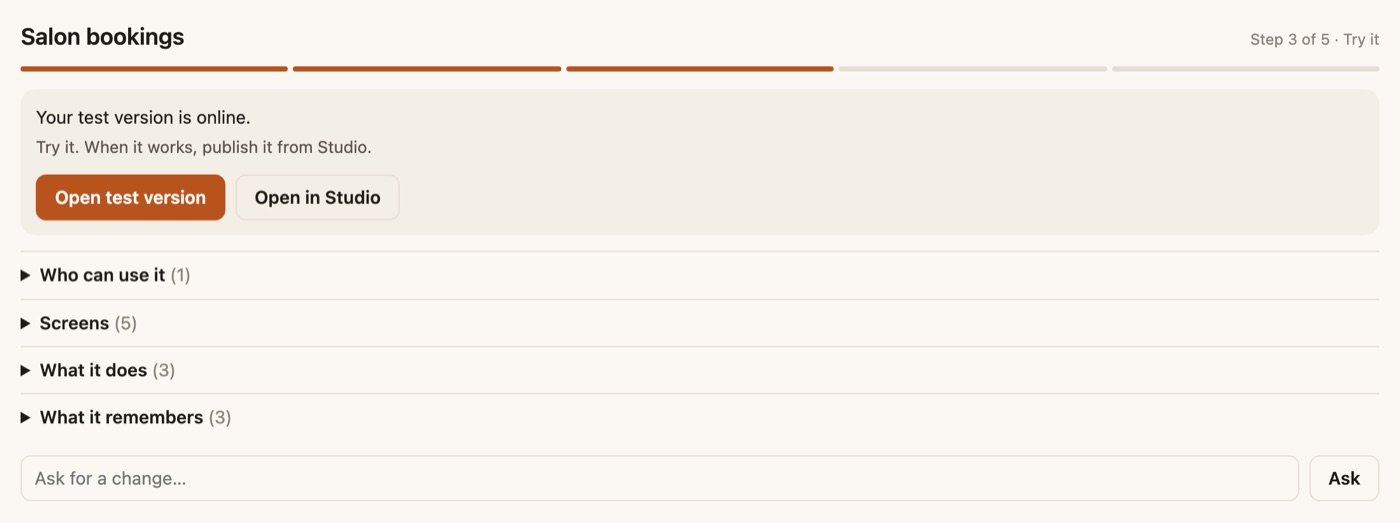
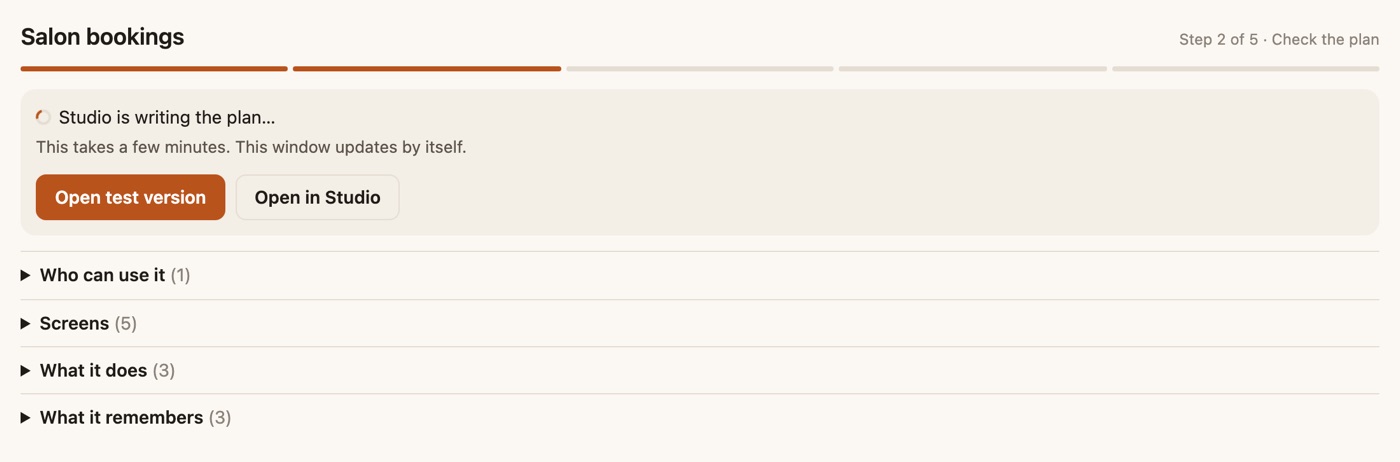
Screens from the window, with a salon booking app as the example.
| Action | What it does | Changes anything? |
|---|---|---|
| List apps | Lists your apps and the step each one has reached. | No |
| Show app | Shows one app in the window: its plan, its build and its test and live addresses. | No |
| Start a new app | Creates an app from your description and asks Studio to write its plan. | Yes |
| Ask for a change | Asks Studio to draft a change to an app's plan, in your words. | Yes, as a draft you approve |
| Approve the plan | Approves the drafted plan, like Approve in Studio. | Yes |
| Build the app | Builds the app from its approved plan and puts a test version online. Uses one build from your plan. | Yes |
Claude asks you before an action that changes something, unless you told Claude to allow it automatically. Publishing an app, deleting it, inviting people and billing stay in Studio.
Claude never writes your app's code. It passes on what you want in plain words; Studio writes the plan and the code with its own tuned process, and checks every build before you see it. The result is the same as an app started on the Studio website.
The same as using Studio on its website: planning is free, and builds count against your Studio plan. See pricing. Connecting Studio to Claude costs nothing extra.
Only what each action needs: the app you name, and the description or change you asked for. Studio does not see the rest of your conversation, your other chats, your files or your Claude memory. The privacy policy has the details.
In Claude, open Settings → Connectors, choose Clean Studio and disconnect it. Your apps stay in Studio. To also end Studio's side of the connection at once, write to us and we remove it.
Yes. Each person connects with their own Studio account and sees the apps they are a member of, with the same role they have in Studio.
Write to [email protected] with what you asked Claude and what happened.
Create your free Studio account, connect it to Claude, and ask for the app you need.
