A work order tracker follows every job from the customer's request to the finished work: who is assigned, what was done, what parts were used and what to bill. With Clean Studio you describe how jobs flow in your business in plain words, approve the plan, and get a working app with sign-in for your team.
Maintenance companies, repair shops, cleaning services, installers, facilities teams. If jobs live on paper forms, whiteboards and phone calls, and it is hard to see what is open, who is on it and what to invoice, a tracker puts every job in one place.
New jobs with customer, address, description and priority.
Each job goes to a technician, who sees their own list.
Open, scheduled, in progress, done: the technician moves the job along as the work happens.
What was done, time spent and parts used, per job.
Each customer's locations and job history.
Open jobs, overdue jobs and finished work ready to bill.
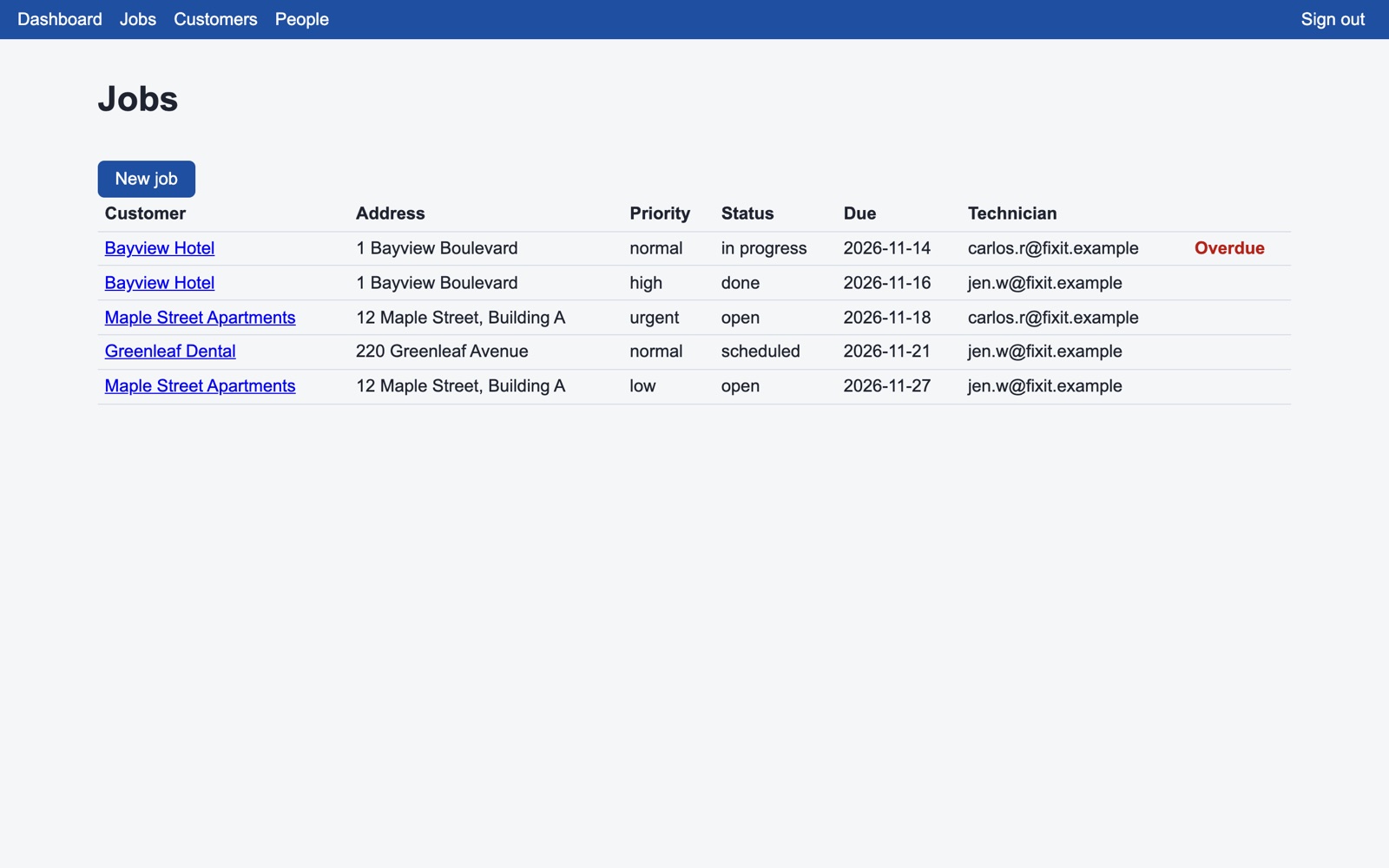
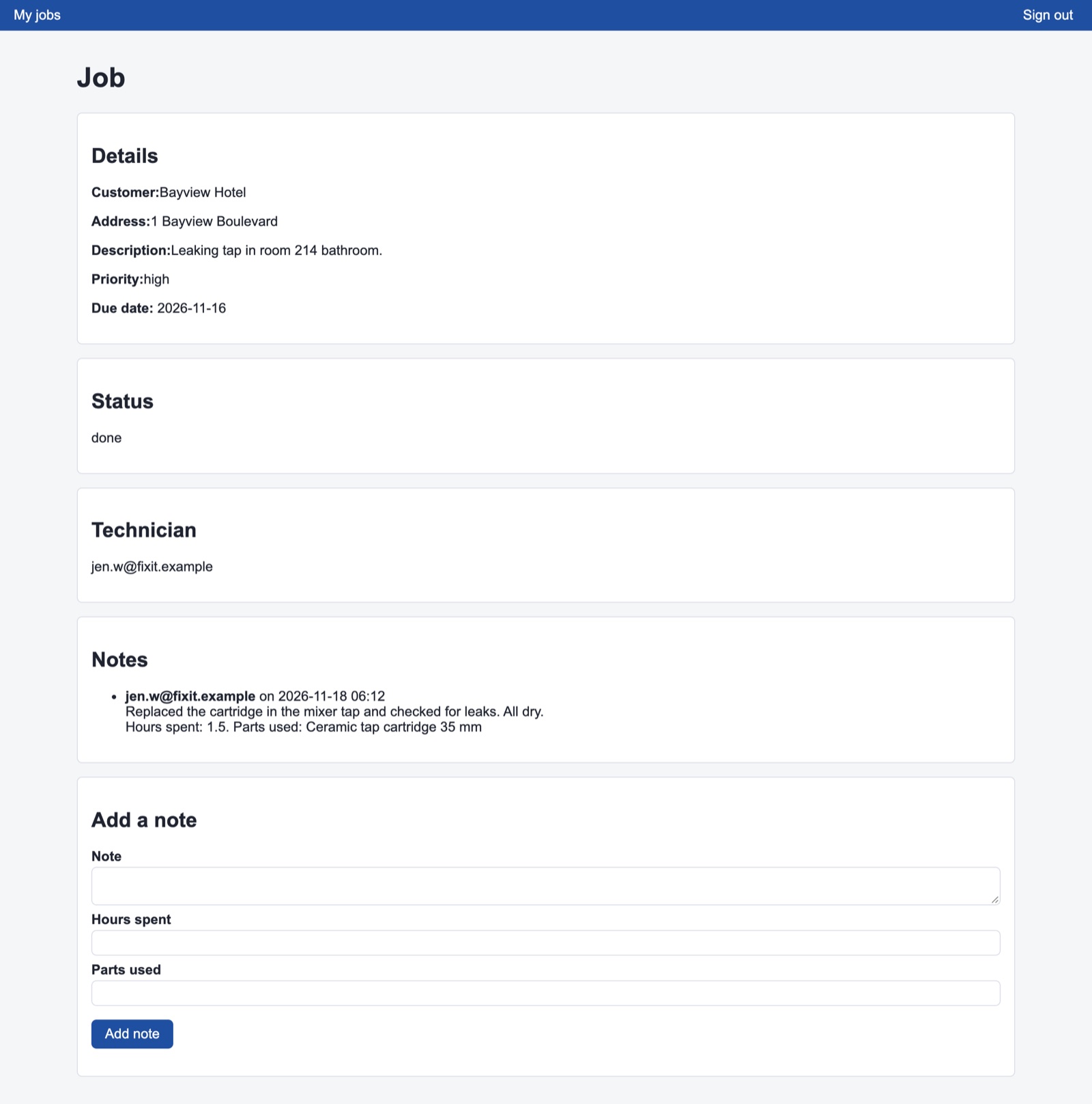
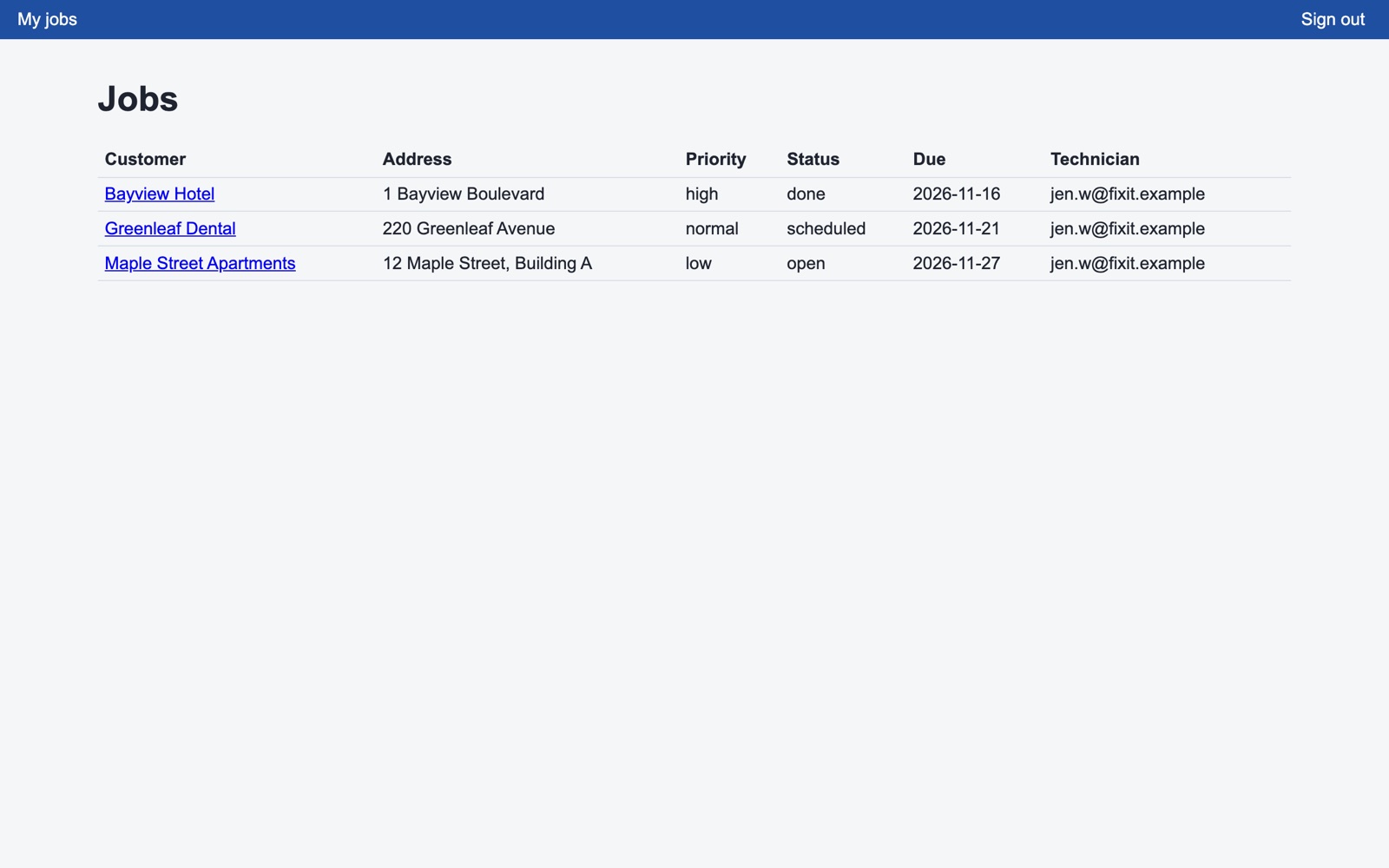
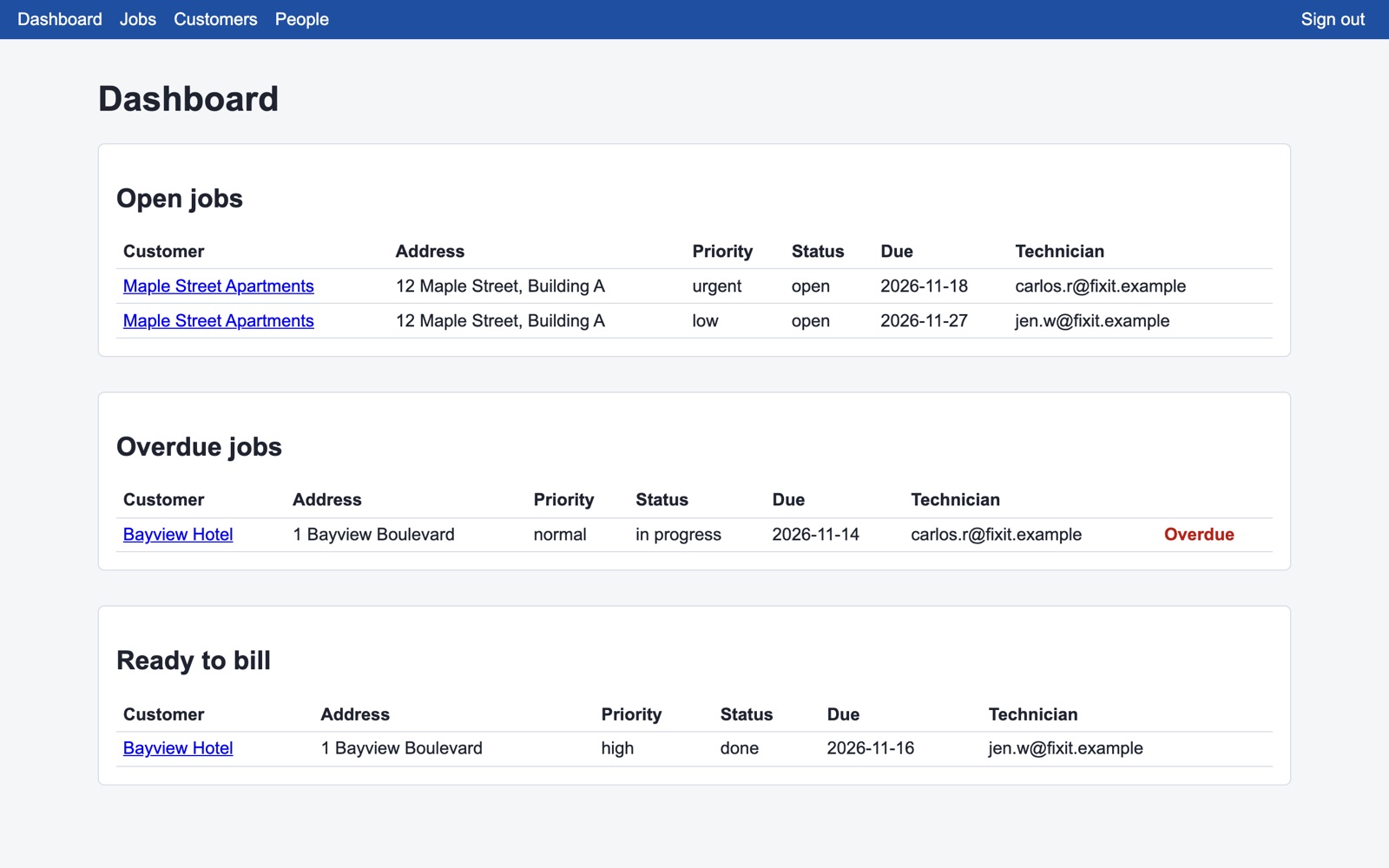
Built in Studio from one description: the plan took 3 minutes, the build 14, and all 25 automatic checks passed on the first try, including “a technician cannot open manager pages”. Signed in as a technician, we saw only the three jobs assigned to her. Sample data, no real customers.
If your team is two people and a shared calendar works, keep it simple. If you need dispatch with GPS routing for a large fleet, a specialised field-service product does more. Build your own when jobs follow your own steps and fields, and you want an app you own.
No. You describe the work order tracker and approve the plan in plain words. The code is generated for you.
Yes. Describe the change, approve the updated plan, and Studio rebuilds the app.
Yes. Export the plan and the generated code on any plan. Your app keeps running if you stop building.
Planning is free, and your first build costs $5 to try. To put the work order tracker online you need the Basic plan ($25 a month) plus $15 a month for the live app. See pricing.
Plan it for free. Try your first build for $5.
Already have an account? Sign in
