An inventory tracker records what comes in, what goes out and what is left, and warns you before something runs out. With Clean Studio you describe your products and how stock moves in plain words, approve the plan, and get a working app with sign-in for your team.
Shops, small warehouses, workshops, cafés, online sellers. If stock lives in a spreadsheet that is never quite up to date, and you find out something ran out when a customer asks for it, a tracker keeps the count right and tells you what to reorder.
Each product with its code, supplier, price and minimum stock.
Record deliveries, sales and returns; the count updates itself.
Products below their minimum show up on the dashboard, with the supplier's phone number.
Who supplies what, and how to reach them.
Every stock movement, who made it and when.
Staff record movements; only the owner changes prices and products.
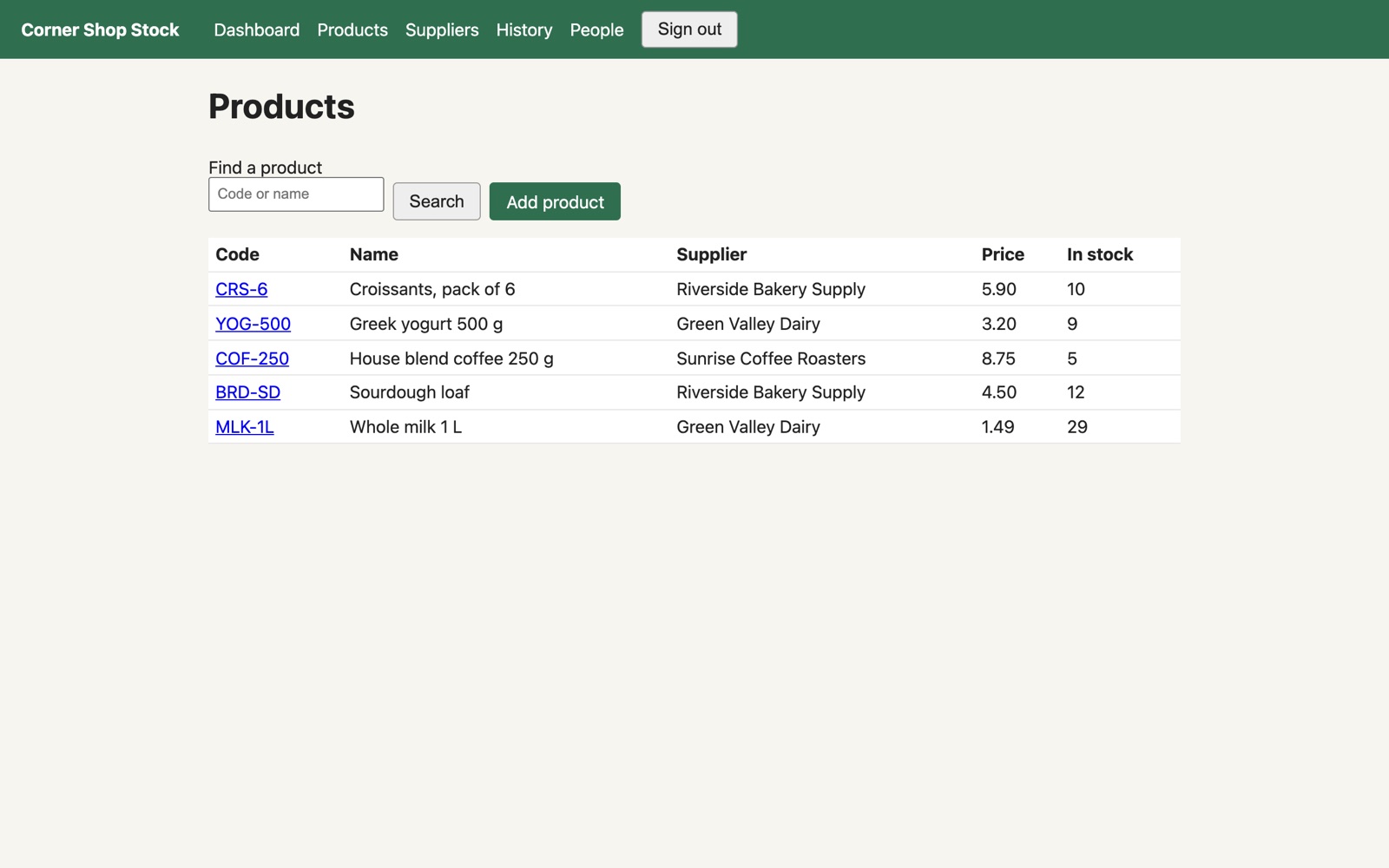
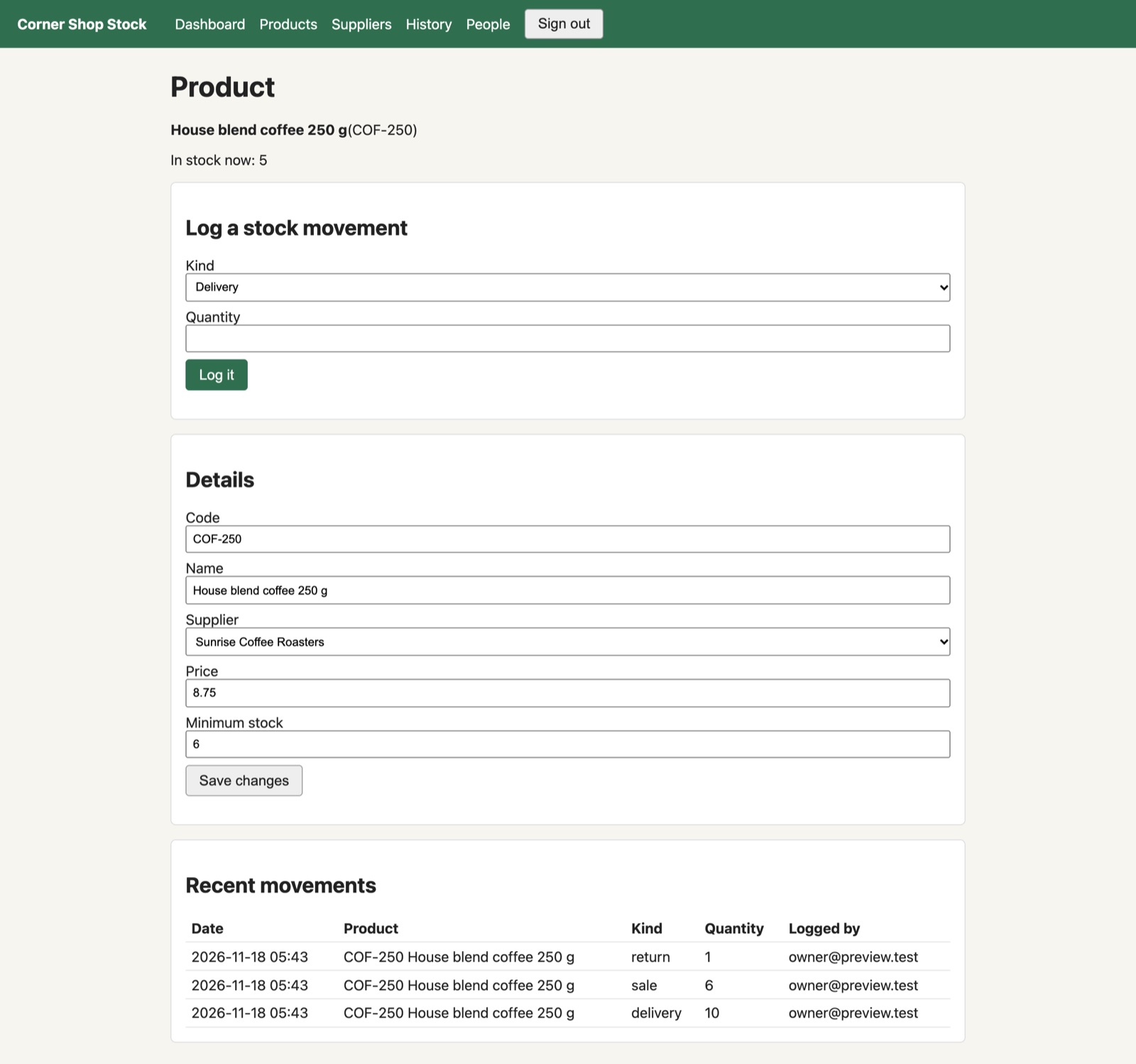
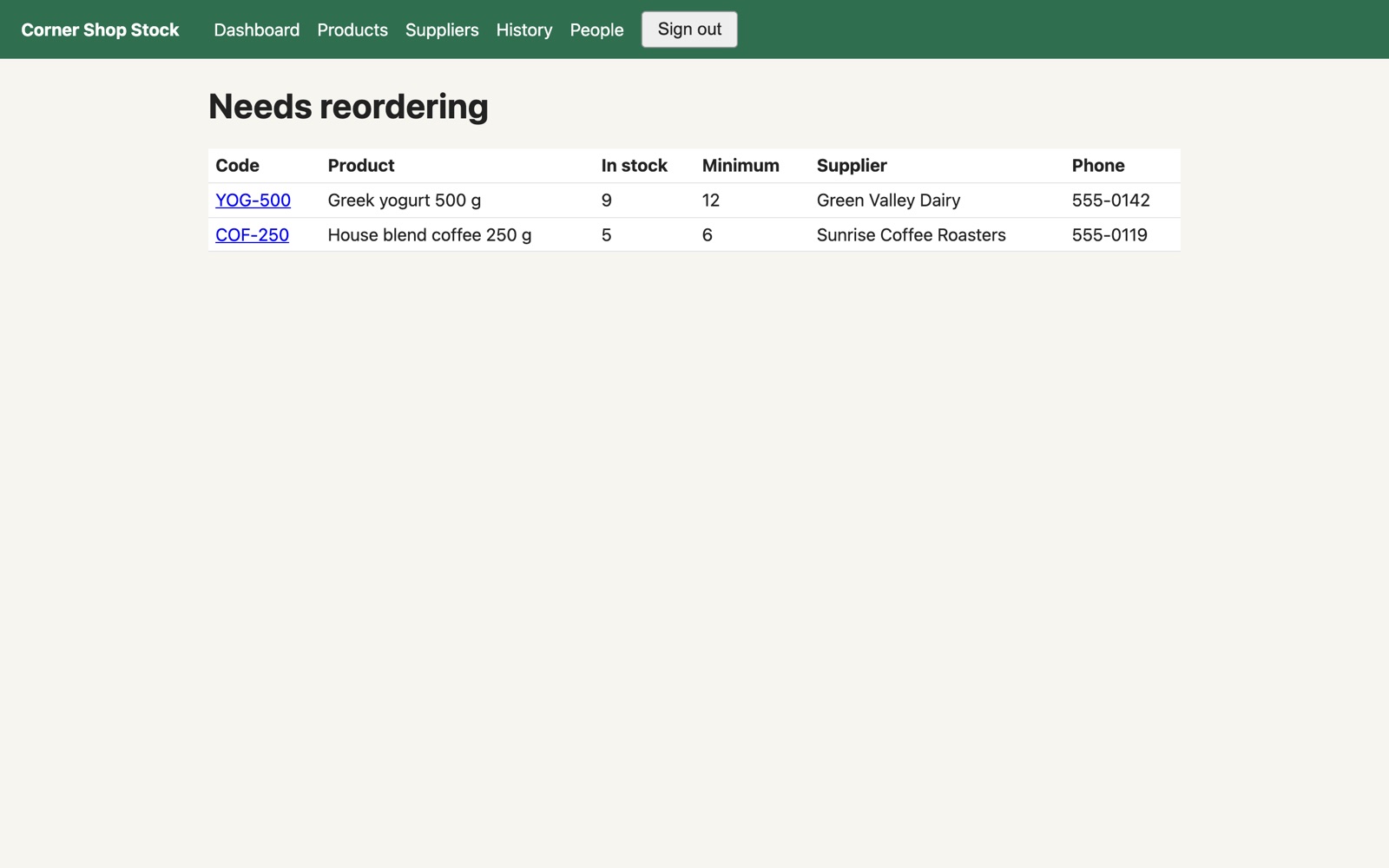
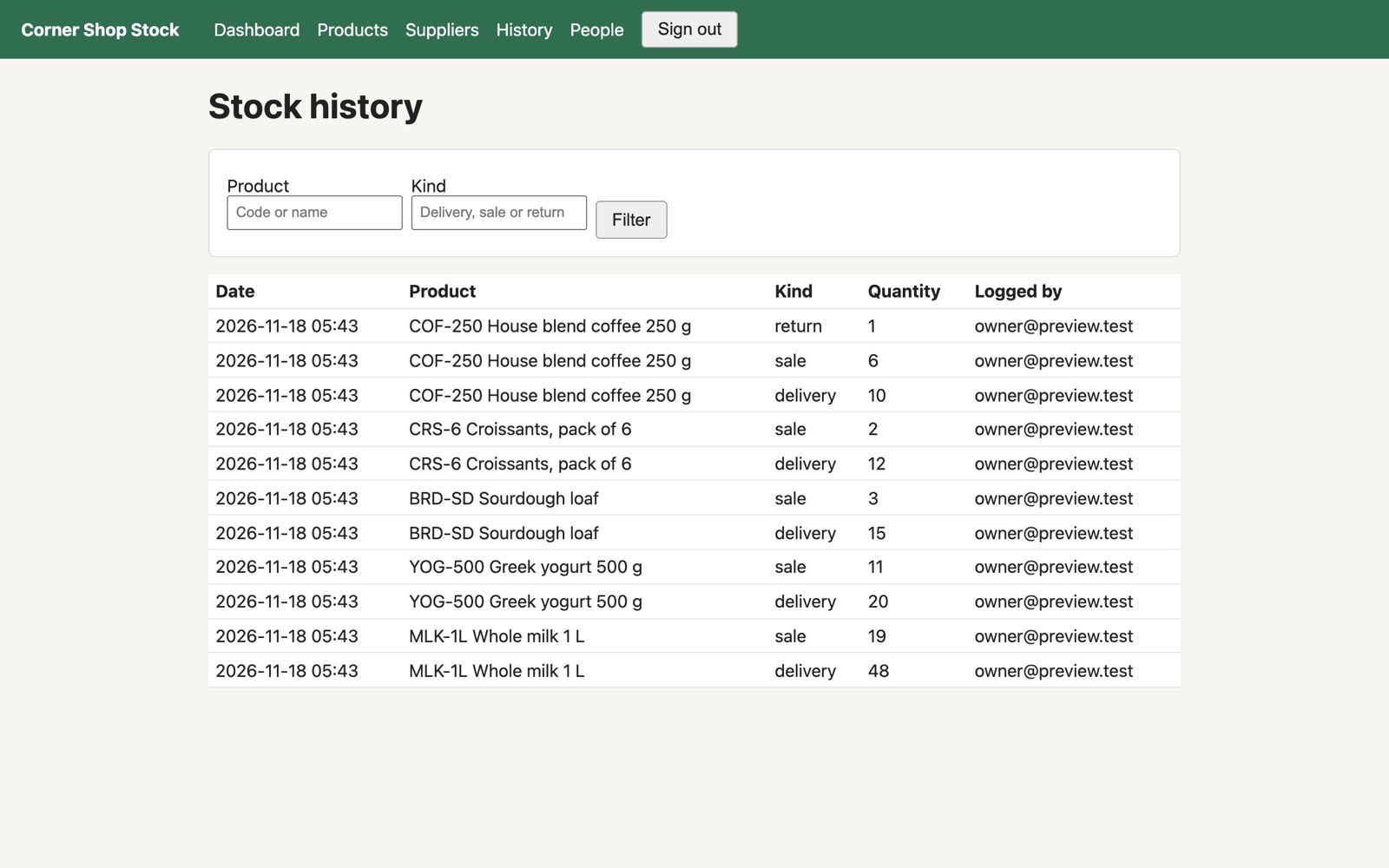
Built in Studio from one description: the plan took 3 minutes, the build 13, and all 33 automatic checks passed on the first try, including “a sale never takes stock below zero” and “staff cannot manage products or suppliers”. When we tried to sell 500 coffee packs with 12 in stock, it answered “Only 12 in stock, you cannot sell 500”. Sample data, no real shop.
If you already sell through a shop system that tracks stock well, keep using it. If you have only a handful of products, a spreadsheet may be enough. Build your own when stock follows your own rules: several locations, your own product details, your own steps and an app you own.
No. You describe the inventory tracker and approve the plan in plain words. The code is generated for you.
Yes. Describe the change, approve the updated plan, and Studio rebuilds the app.
Yes. Export the plan and the generated code on any plan. Your app keeps running if you stop building.
Planning is free, and your first build costs $5 to try. To put the inventory tracker online you need the Basic plan ($25 a month) plus $15 a month for the live app. See pricing.
Plan it for free. Try your first build for $5.
Already have an account? Sign in
