A booking app lets your clients pick a service and a free time slot online, and shows your team who is coming and when. With Clean Studio you describe how your bookings work in plain words, approve the plan, and get a working app with sign-in for your clients and your staff.
Salons, clinics, tutors, studios, repair shops. If bookings still arrive by phone, text and email, and someone copies them into a calendar by hand, a booking app lets clients book themselves and keeps your team's day in one view.
Clients choose a service, a staff member and a free time slot.
Each service has its length and price, so slots fit the work.
Each person sees their own day; the owner sees everyone.
Clients sign in to see, move or cancel their bookings.
Times outside working hours cannot be booked.
Today's bookings and new bookings at a glance.
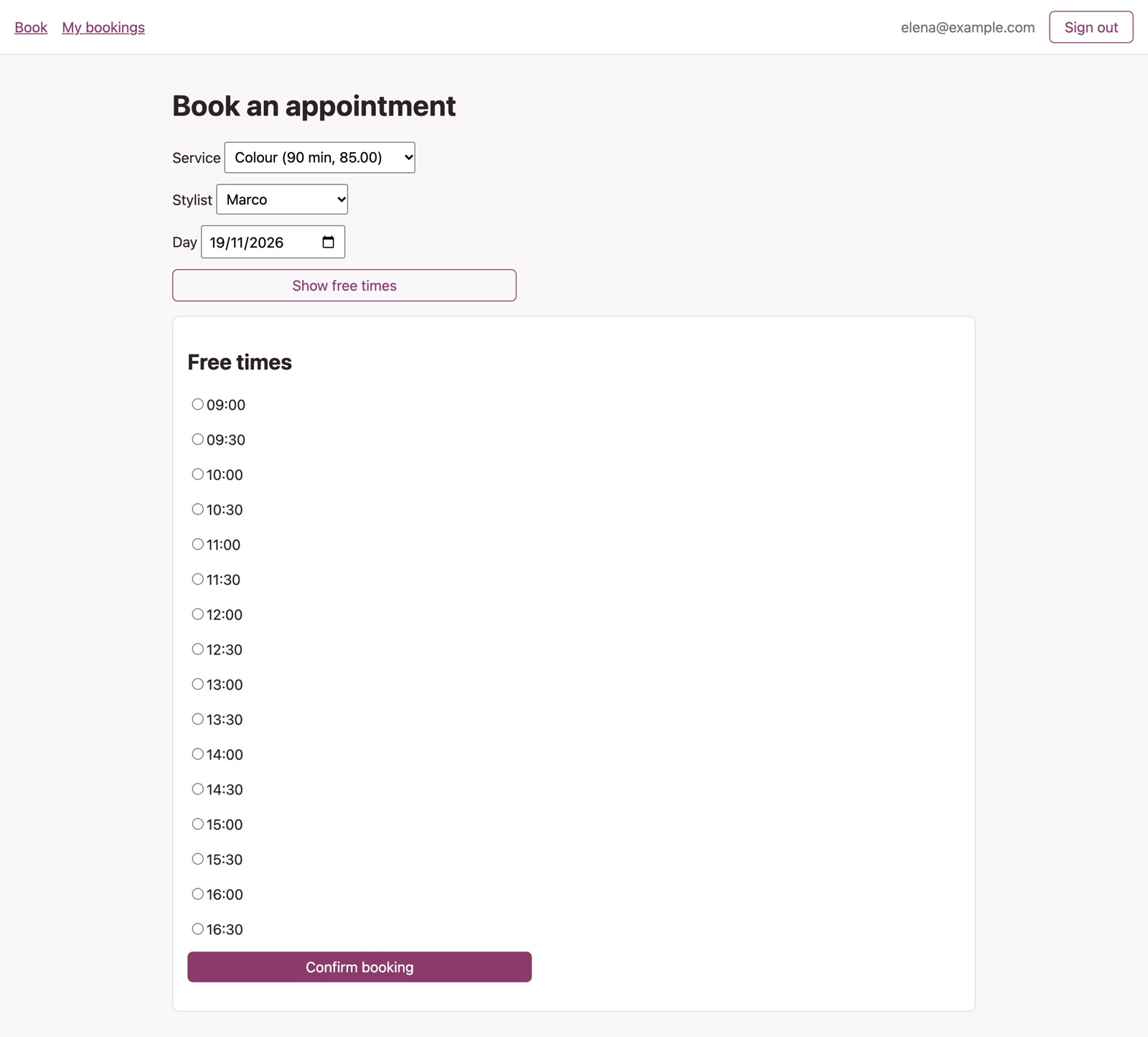
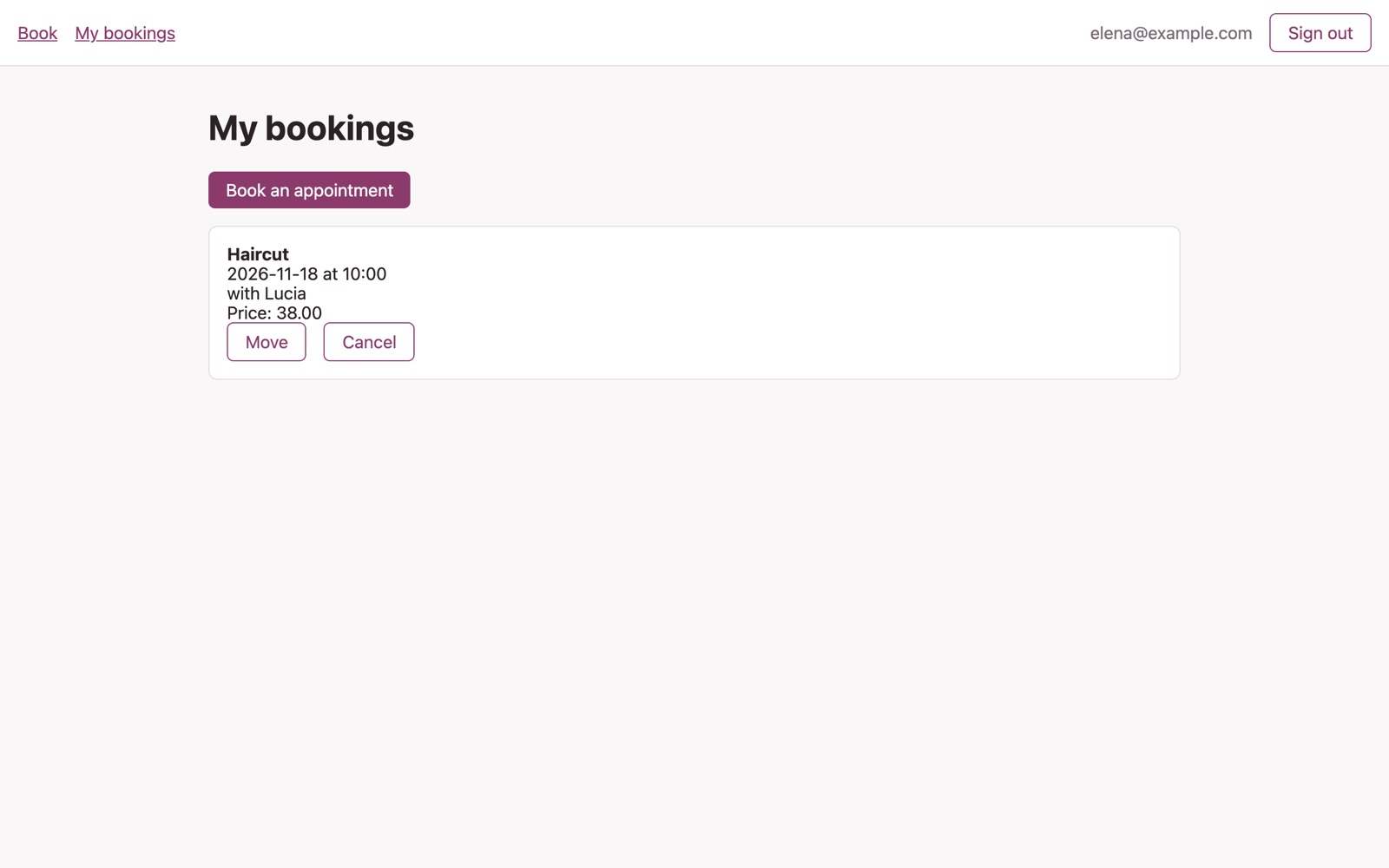
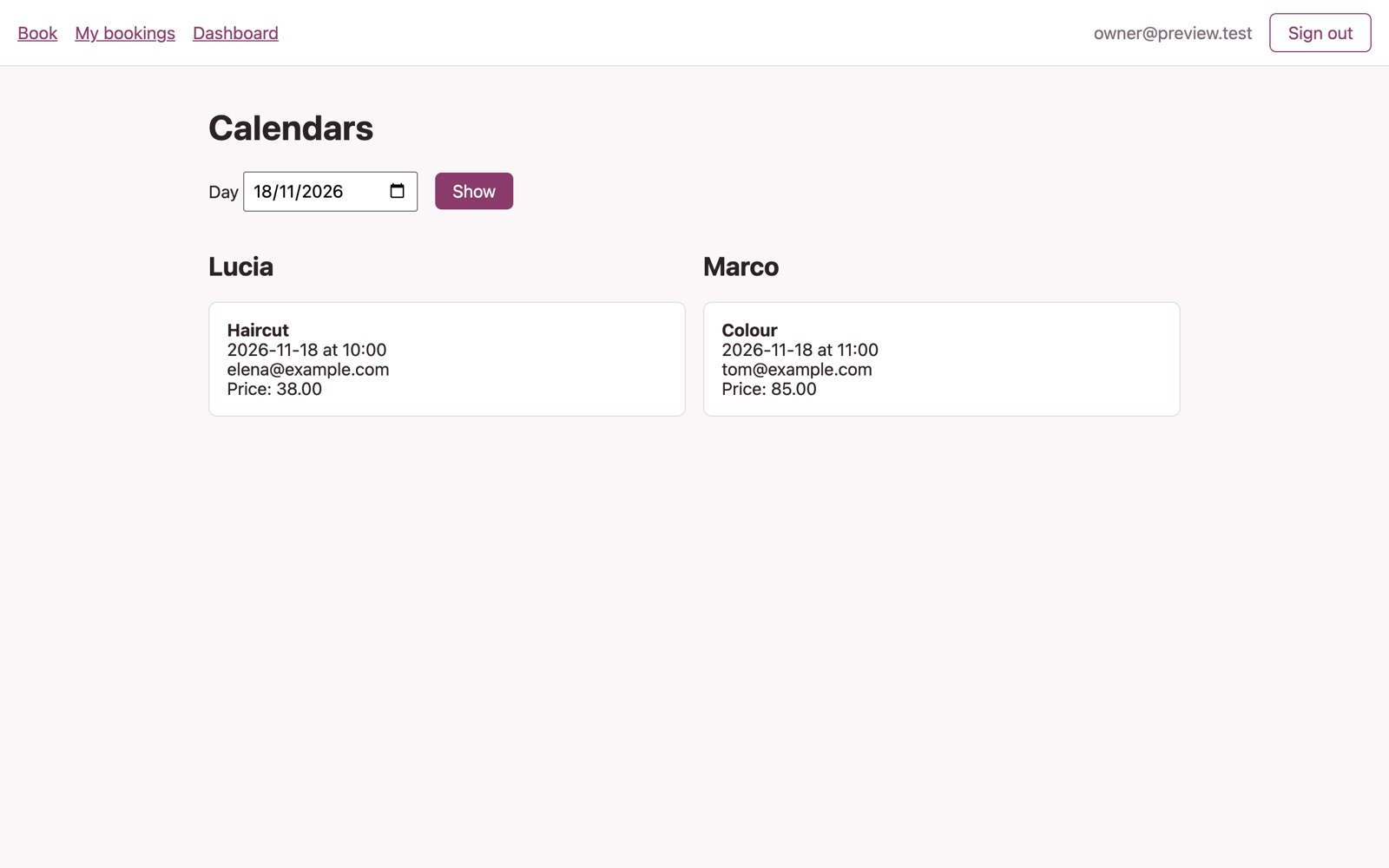
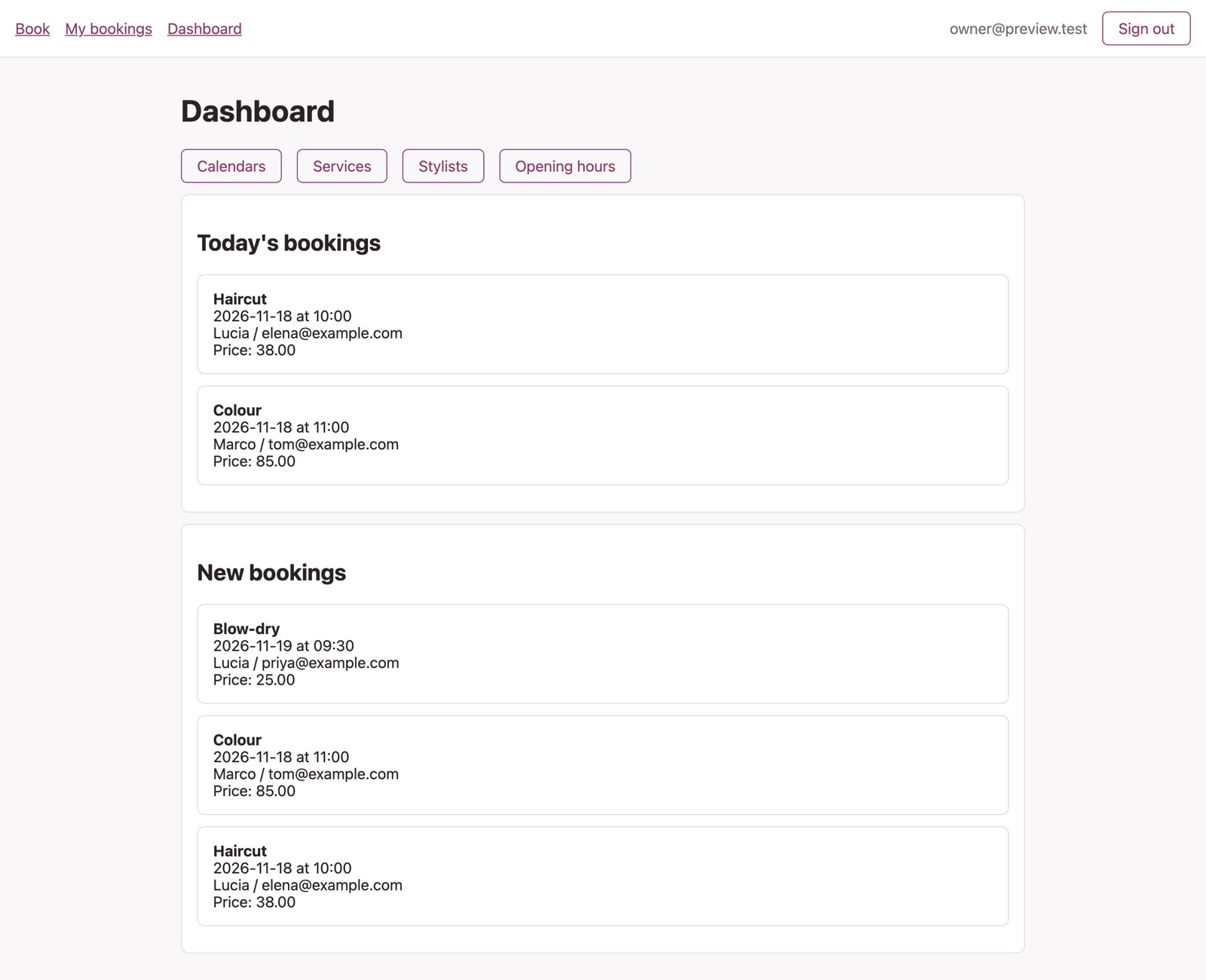
Built in Studio from one description: the plan took 3 minutes, the build 27, and all 35 automatic checks passed on the first try, including “only free times inside opening hours are offered” and “a stylist sees their own day”. Sample data, no real customers.
If you take bookings for one person with one calendar, a ready-made scheduling tool like Calendly is quicker. If your shop software already has bookings that fit, use that. Build your own when bookings must follow your own rules: several staff, services of different lengths, your own steps and an app you own.
No. You describe the booking app and approve the plan in plain words. The code is generated for you.
Yes. Describe the change, approve the updated plan, and Studio rebuilds the app.
Yes. Export the plan and the generated code on any plan. Your app keeps running if you stop building.
Planning is free, and your first build costs $5 to try. To put the booking app online you need the Basic plan ($25 a month) plus $15 a month for the live app. See pricing.
Plan it for free. Try your first build for $5.
Already have an account? Sign in
